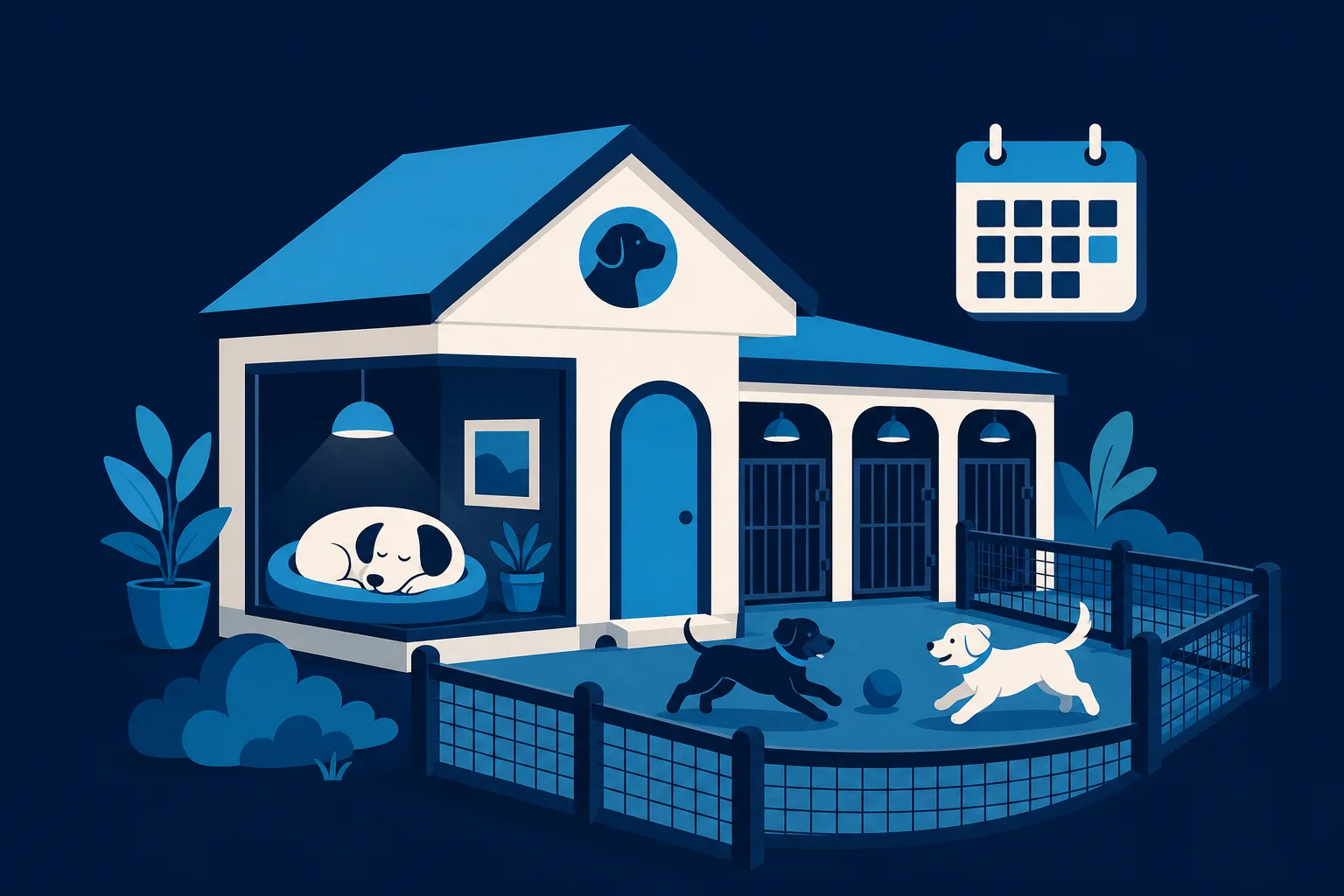
When someone is looking for a place to board their dog, they are not shopping the way they shop for a plumber or a pizza. They are handing over a family member for a week and then getting on a plane. Every click on your website is really one question repeated a dozen ways: will my dog be okay here? Build a website for a pet boarding business around answering that question, honestly and visually, and the kennels fill themselves. Miss it, and even a beautiful site full of stock photos gets skipped.
This is a guide for the owner who runs the place, knows every dog by name, and has never built a website before. You do not need to be technical. You need to know what a worried pet parent is looking for at 11pm the week before their trip, and how to put it in front of them.
Start where the anxiety is highest
Most boarding customers arrive on your site already a little stressed. They may have had a bad experience somewhere else, or heard a story, or they have a dog with quirks nobody wants to deal with. Your homepage has about five seconds to lower that anxiety before they bounce back to Google.
So lead with reassurance, not with a slogan. The top of your homepage should make three things obvious without scrolling:
- Who you are and where you are. Your facility name, your town, and a real photo of the actual building or the play yard. Not a stock golden retriever on a white background. The real place.
- That you have room, or a clear way to find out. A "Check Availability" or "Book a Stay" button that is impossible to miss.
- One line that speaks to the fear. Something like "Small groups, real people on-site, and photo updates so you never wonder how your dog is doing." Say the thing they are afraid of and answer it in the same breath.
Everything below that first screen is you backing up that promise with proof.
Give them a real photo tour of the facility
This is the single biggest thing that separates a boarding website that fills kennels from one that does not. A worried owner wants to see exactly where their dog will sleep, eat, and play. Words like "spacious" and "clean" mean nothing. A clear photo of a real run with fresh bedding means everything.
Build a photo tour that walks a stranger through the whole stay, in order:
- The runs or suites where dogs sleep. Show the actual size. If they are climate controlled, show a thermostat or mention it in the caption. If dogs sleep on raised cots or real beds, show that.
- The play areas, indoor and outdoor. Turf, shade, fencing height, water stations. If you separate by size or temperament, show the different groups.
- A feeding and medication area. This quietly tells owners of senior dogs and dogs on meds that you handle this every day.
- The people. A few genuine shots of your staff with dogs, not posed headshots. Faces build more trust than any logo.
You do not need a professional photographer. A clean phone photo in good daylight, taken at a dog's eye level, beats an expensive photo that looks staged. Take them on a quiet morning when the runs are tidy. Twelve to twenty honest photos will do more for your bookings than a thousand words.
One caption trick: write each caption in the owner's voice, answering a worry. Under the suite photo, "Every dog gets a private run cleaned twice a day" does far more than "Deluxe Suite."
Make the booking calendar do the heavy lifting
Boarding is a business of dates. The customer already knows exactly when they leave and return. The fastest path to a booking is letting them check those dates and reserve without a phone call, especially since most people are looking after hours when your office is closed.
Your website should let a visitor:
- See or request availability for specific dates. Even a simple date-range form that lands in your inbox beats "call us." A real calendar that shows open spots is better still.
- Tell you the essentials up front. Dog's name, breed, size, dates, and whether they have boarded with you before. This lets you triage and confirm faster.
- Understand what happens next. A line like "We confirm every reservation within a few hours during business days" stops people from booking three other kennels while they wait on you.
If you offer different room tiers, daycare add-ons, grooming before pickup, or extra one-on-one playtime, put those as simple options in the booking flow. Owners of anxious or high-energy dogs will happily pay for the extra attention, but only if they see it offered.
A quick honesty note: you do not have to publish every price. Many boarding owners prefer to quote based on the dog and the dates, and that is fine. But at minimum give a starting nightly rate or a "from" figure so people can tell whether you fit their budget before they invest time in a request.
Win on trust: vaccinations, safety, and what happens if
Trust is your product. A parent leaving a dog for ten days is buying peace of mind, and your website either earns it or leaves them guessing. Dedicate real space to safety instead of burying it in fine print.
Spell out your vaccination and health rules
This reassures the careful owner twice: once that their own dog will be safe among vaccinated dogs, and once that you run a serious operation. Have a short, plain-language section that covers:
- Which vaccines you require (for example rabies, distemper, and Bordetella) and that you verify records at drop-off.
- Your policy on flea, tick, and parasite prevention.
- What you do if a dog shows signs of illness, and whether you have a relationship with a local vet.
Show your safety and supervision setup
- How dogs are grouped and supervised during play, and your staff-to-dog ratio.
- Whether someone is on-site or on-call overnight. This is one of the first things experienced boarders ask, so answer it before they have to.
- How you handle emergencies, severe weather, and dogs that do not get along.
Let other pet parents vouch for you
Reviews carry more weight here than in almost any other local business, because a stranger describing how their nervous rescue came home happy is worth more than anything you can say about yourself. Pull a handful of your best Google reviews onto the site, and feature the ones that mention specific things: a dog that hates kennels settling in, a senior dog getting meds on time, staff sending a photo unprompted. Specifics are believable. Generic five-star quotes are not.
Capture the holiday rush before you fill up
Boarding demand is brutally seasonal. Thanksgiving week, the December holidays, spring break, and the Fourth of July are when you turn people away and when new customers are most desperate to find a spot. Your website should be built to catch that surge instead of letting it slip to the competitor who answered first.
A few things that turn seasonal panic into booked kennels:
- A visible holiday notice. Weeks ahead of a peak, put a banner up: "Thanksgiving is filling fast. Reserve your dog's spot now." Urgency that is true is not pushy, it is helpful. This is exactly the kind of change you should be able to make on your own site in seconds, which we will come back to.
- A waitlist for sold-out dates. When you are full, do not lose the lead. A simple "Join the waitlist" form captures the owner so you can call them the moment a cancellation opens up. Cancellations always happen.
- An easy way to collect emails or phone numbers. A short "Get holiday booking reminders" signup lets you send a text or email in early November telling your past customers to lock in their dates. Repeat clients booking early is the cheapest, most reliable way to fill a peak week.
- Deposit or booking-confirmation policy stated clearly. Peak weeks are when no-shows hurt most. If you take a deposit to hold a holiday spot, say so plainly so there are no surprises.
The kennels that stay full year-round are usually the ones that got their holiday regulars to rebook the same week next year. Your website, plus a well-timed reminder, is how you do that without hiring anyone.
The pages that actually matter
You do not need a sprawling site. For a boarding business, a handful of focused pages does the job:
- Home. Reassurance, a strong photo, availability button, and your best proof.
- Our Facility. The full photo tour with owner-voice captions.
- Boarding and Rates. What a stay includes, room tiers, add-ons, and starting prices.
- Safety and Requirements. Vaccinations, supervision, health policy, emergency plan.
- Book a Stay. The calendar or request form, front and center.
- About and Reviews. The people, your story, and real customer quotes.
Every page should have the same clear next step: check availability and request a stay. Do not make a visitor hunt for how to book. Put the button in the header, at the bottom of every page, and anywhere the reader is likely to feel ready.
Keep it current without it becoming a chore
Here is the trap most first-time owners fall into. They pay someone to build a nice site, then the holiday banner never goes up because changing it means emailing a web person and waiting three days. A boarding website earns its keep only if it stays current: availability notices, seasonal messages, new photos after you repaint the runs, an updated vaccine policy.
This is where a done-for-you approach that you can still update yourself matters. Saynovo builds the whole site for you, then lets you change it just by saying what you want. Tell it "put up a Thanksgiving is almost full banner" or "add these six photos of the new play yard" and it updates, no web developer, no waiting, no logging into anything complicated. For a boarding owner whose real job is caring for dogs, being able to flip your own holiday message on and off in a sentence is the difference between a site that fills kennels and one that goes stale by March.
If you would rather hand the entire thing off and never touch it, that is a fair choice too. Plenty of owners want a hands-on agency to run everything, and a fully-managed option like SyntroAI exists for exactly that. And if you love tinkering and want to build it yourself over a few weekends, Wix or Squarespace can get you there. The right answer depends on how much of your time you want going into the website versus into the dogs.
Your next step
You already have the hardest ingredient: a real place, real dogs, and real stories from happy owners. Turn that into a website by doing three things in order. First, walk your facility with your phone on a clean morning and shoot the honest photo tour. Second, write down your vaccination and safety rules in plain words a nervous owner can trust. Third, put a "Check Availability" button where nobody can miss it.
If you already have a Google Business Profile with your photos and reviews, you can import it and get a first version of your site generated for free, then shape it from there. Your vaccination rules, your rates, and your holiday cutoffs were never on Google, so those are what you say first. The goal is simple: when a worried pet parent lands on your page the week before a trip, they see exactly where their dog will sleep, exactly how you keep it safe, and exactly how to reserve the spot before it is gone.