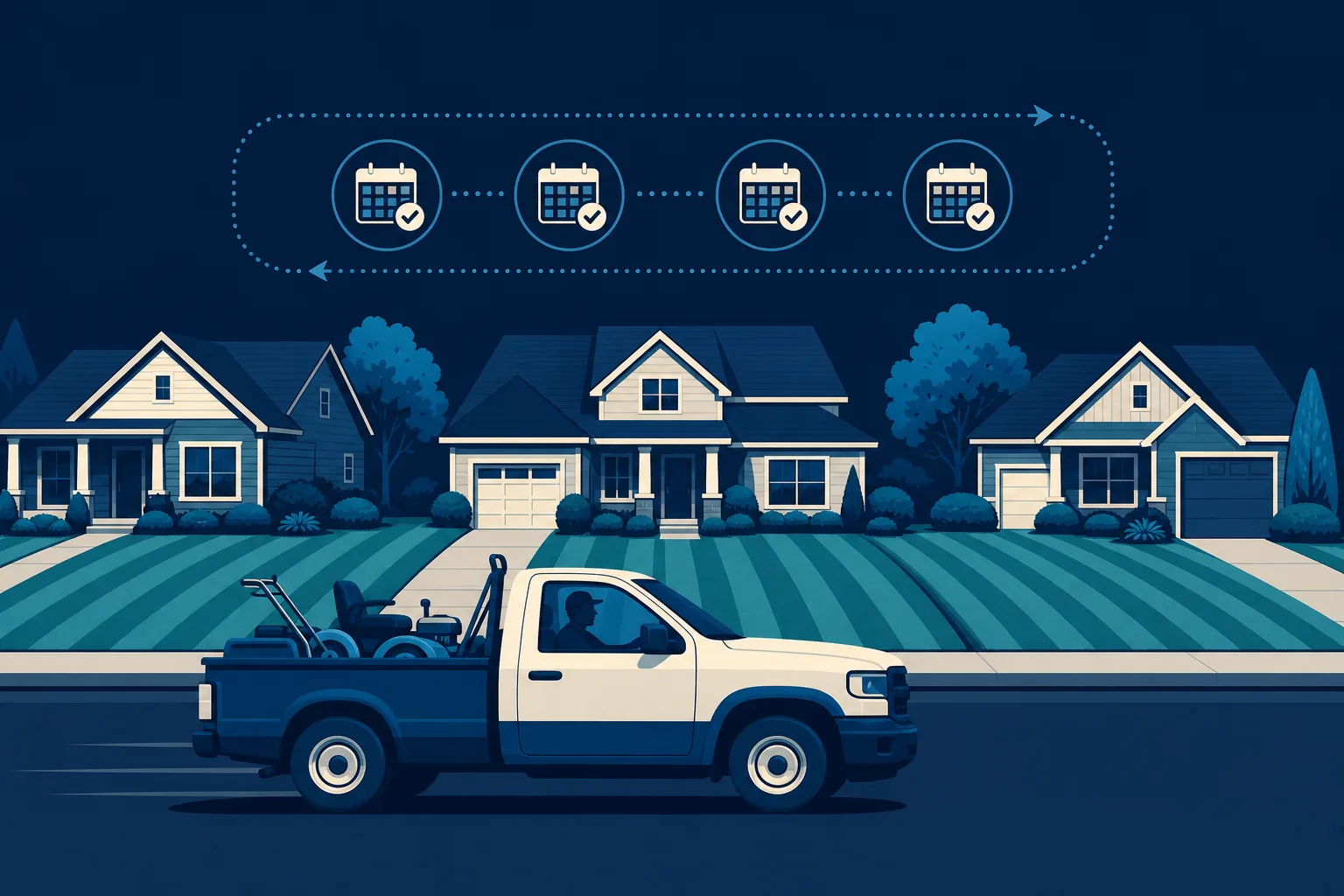
There are two ways to run a lawn care business. In the first, your phone rings when someone's grass gets too tall, you drive across town for a one-time cut, and then you never hear from them again. In the second, you sign a homeowner up for a weekly or biweekly plan in April, they pay every month without thinking about it, and your truck rolls down the same street hitting eight lawns in a row.
The second way is worth far more, and the difference often starts on your website. Most lawn care sites are built to catch a single cut. This guide shows you how to build a website for a lawn care business that books recurring accounts instead - the season-long relationships that turn a busy spring into steady income all year.
If you do not have a website yet, that is completely fine. You do not need to know anything technical to follow along. This is about what your site should say and do, not about code.
Why one-off mows are quietly killing your margins
A one-time mow feels like money, but it is the least profitable job you can take. You spend gas and drive time getting there, you do the work once, and the customer relationship ends the moment you pull away. Next week you are back to hunting for the next stranger.
Recurring accounts flip that math. When a customer is on a weekly plan, every visit after the first costs you almost nothing extra to sell. You already have the address, the route, the gate code, and the payment on file. Your website's real job is not to book a mow. It is to turn a first-time visitor into a signed-up, season-long account before they ever call a competitor.
That single shift changes everything about how the site should read. So as you go through the sections below, keep asking one question: does this page push someone toward a plan, or does it just quote a single cut?
Lead with a plan, not a price for one cut
The biggest mistake on lawn care websites is treating the homepage like a menu of individual services. A visitor lands, sees "mowing, edging, trimming," and mentally files you as a guy who cuts grass by the visit.
Instead, make your recurring plans the hero of the page. The very first thing a visitor should understand is that you keep lawns looking great all season, handled automatically, for a predictable monthly amount.
Your homepage headline should say what the customer actually wants, which is a nice lawn they never have to think about. Something like "A great-looking lawn, mowed on schedule, all season - no calls, no reminders" sells the relationship. "Lawn mowing services" sells a single Saturday.
Right under that, put your main call to action as a plan signup, not a generic "contact us." Buttons like "See our seasonal plans" or "Get my lawn on a schedule" point people toward recurring work from the first click.
Build a service tier page that makes the choice easy
The page that does the heavy lifting for recurring revenue is your plans page. This is where you lay out tiers so a homeowner can quickly see themselves in one of them and sign up.
Three tiers usually work best. Too few and you cannot upsell; too many and people freeze. A clean structure looks like this.
The basic mowing plan
This is your entry tier: recurring mow, edge, and blow-off on a weekly or biweekly schedule. Describe it as "the essentials, handled." Make clear it is a season-long commitment, not a single visit, so nobody mistakes it for a one-off. This tier gets price-sensitive customers in the door and onto your route.
The full-service lawn plan
Your middle tier is where most of your profit lives, so make it the visually recommended option. Add fertilization, weed control, and bed or edge cleanups on top of the mowing. Frame it around the outcome: a lawn that is not just cut but genuinely healthy and green. Mark this one "most popular" and it usually becomes exactly that.
The premium property plan
Your top tier bundles everything plus seasonal extras: aeration and overseeding in fall, spring cleanups, mulch refresh, maybe leaf removal. This is for homeowners who want the whole yard managed and will happily pay more per month to never think about it. Even customers who do not choose it make the middle tier look reasonable by comparison.
For each tier, describe what is included in plain language and how often you visit. You do not have to publish exact dollar figures if you would rather quote by lot size. What matters is that every tier is clearly a recurring plan, billed monthly, that a visitor can commit to on the spot.
Turn your service area into a route-density weapon
Here is a piece of strategy most lawn care sites miss entirely. Your service area page is not just about telling people you cover their town. Used well, it helps you build tight, profitable routes.
Route density is the whole game in lawn care. Ten lawns on one street is far more profitable than ten lawns scattered across the county, because you cut windshield time, fuel, and drive-between-stops labor. Your website can quietly steer new signups toward the neighborhoods where you already work.
- List the specific neighborhoods, subdivisions, and ZIP codes you serve, not just the city name. Someone searching "lawn service in [their subdivision]" should find their exact area on your page.
- Give a little extra prominence to the areas where you already have a cluster of accounts. You can even mention "we already service several homes in [neighborhood]," which is honest, reassuring, and pulls signups toward your densest routes.
- If you have a couple of streets you would love to fill, feature those neighborhoods in a short "now serving" section. New accounts there are pure margin.
When your service area page is built around real neighborhoods instead of a vague radius, it does double duty. It ranks better when locals search, and it nudges the right customers - the ones next door to your existing stops - to sign up.
Prove you show up, every single week
Recurring plans ask a homeowner for something bigger than a one-time cut: their trust that you will keep showing up all season. Reliability is the number one fear people have about lawn services, because everyone has a story about the crew that vanished in July.
Your website has to answer that fear before it is even spoken.
- Reviews that mention consistency. Quotes like "they have mowed my lawn every Friday for two seasons and never missed" sell recurring plans better than any feature list. Ask your best long-term customers for reviews and feature the ones that mention reliability and years of service.
- A simple photo story. Show the same lawns looking sharp across the season. Before-and-after shots of an overgrown yard brought back to life are good, but a well-kept lawn over time is what recurring buyers want to see.
- A plain promise. State how you handle rain days, what happens if you miss a scheduled visit, and how customers reach you. A short, honest service promise removes the last bit of hesitation.
- Real faces and trucks. A photo of you and your actual crew and equipment beats a stock image every time. Recurring customers are letting you onto their property week after week; they want to know who is showing up.
Make signing up feel automatic
The point of everything above is to get someone to commit. So the signup step itself has to be effortless, because a homeowner in buying mode will not chase you.
Put a signup or quote-request form directly on your plans page, so nobody has to hunt for how to start. Keep it short: name, address, the plan they want, and a phone number is plenty. The address matters more than usual here, because it tells you whether they land on an existing route.
Offer more than one way to commit. A phone number for people who want to talk, a form for people who would rather type, and if you can, a way to actually start service online. The easier you make it to say yes to a season-long plan, the more of them you will book.
And do not bury your phone number. Plenty of lawn care customers are older homeowners who will simply call. A tap-to-call button that stays visible on mobile turns a curious scroll into a booked account.
Time your website around the seasons
Lawn care lives and dies by the calendar, and your website should move with it. Recurring accounts are won in specific windows, and a site that leans into those windows books far more plans.
- Early spring is your Super Bowl. This is when homeowners decide who handles their lawn for the whole year. Weeks before the season, update your homepage with a clear "now booking [year] season" message and push signups hard. A spot won in March pays you through November.
- Run a seasonal signup push. A limited early-bird window - "sign up before the season starts and lock in your spot" - creates real urgency and fills your route before you are slammed. Feature it right at the top of the page.
- Sell the fall add-ons. Late summer is the moment to promote aeration, overseeding, and leaf cleanup to customers you already have and to new ones. Give these their own seasonal section so they are easy to book.
- Do not go dark in winter. In snow regions, pivot the site to snow removal or gutter and cleanup work to keep income flowing. Elsewhere, use the slow months to promote next-season early signups. A live, current site keeps you found year-round.
The key idea is that your website is not a set-it-and-forget-it brochure. The message that fills your route in March is not the message that sells leaf removal in October. When the site changes with the seasons, it keeps booking the right work at the right time.
Getting the site built without the headache
You now know what a lawn care website that books recurring accounts needs: plans as the hero, three clear service tiers, a neighborhood-level service area that builds route density, hard proof of reliability, a dead-simple signup, and a message that changes with the season.
Building all of that yourself is doable, and if you enjoy tinkering, tools like Wix, Squarespace, or WordPress will get you there with some weekends of effort. If you would rather spend those weekends actually cutting grass, a done-for-you option makes more sense.
This is where a tool like Saynovo fits a lawn care owner well. It imports what your existing Google Business Profile already holds, your name, hours, photos, and reviews, and generates your whole site around that, and the first generation is free, so you can see your real business as a real website before deciding anything. Your plan tiers and your route towns were never on Google, so you add those by saying them. The part that saves the most time comes after: when the season turns and you need the homepage to switch from "now booking spring" to "fall aeration signups," you just say what you want changed and the site changes. No dashboard, no waiting on a web guy, no missing your seasonal window because you were too busy on the mower to update a page.
However you build it, get the recurring-account strategy right first. A site that books season-long plans is the difference between chasing one-off cuts forever and rolling down a full, tight route with money already in the bank.
Your next step
Look at your current homepage, or picture the one you are about to build, and ask the one question that matters: is it selling a single mow, or a whole season? If it is selling a single mow, start by rewriting the headline and building the three-tier plan page. That one change does more for recurring revenue than anything else on this list.