If you run a crew, a website for a landscaping business is not a brochure. It is the difference between a homeowner who calls you and one who scrolls past to the next result. Most landscapers already do the hard part every day - the clean edges, the fresh mulch, the retaining wall that finally drains right. The website just has to prove that to a stranger in about ten seconds and make it stupidly easy for them to ask for a quote.
The problem is that most advice online tells you to "pick a builder and add a contact page" and then stops. That is not enough to book work. This guide walks through what actually moves a landscaping site from "looks fine" to "the phone rings," in the order you should tackle it, whether you build it yourself, hire someone, or use a done-for-you tool.
Start with the one job your site has to do
Before you touch a template, get clear on this: a landscaping website has one job, which is to turn a curious visitor into a booked estimate. Everything else - the fonts, the animations, the clever tagline - is decoration. If a change does not help someone find you, trust you, or contact you, it does not matter.
That framing keeps you from the two most common mistakes: spending three weeks perfecting a homepage nobody scrolls, and burying your phone number where no one can find it. Keep the job in mind and most decisions get easier.
The pages you actually need (and the ones you do not)
You do not need fifteen pages. You need a handful that each do real work. Nearly every guide, from Wix to Jobber, agrees on the core set, so start here:
- Homepage. A clear headline that says what you do and where, a strong photo of real work, your phone number in the top right, and a "Get a free estimate" button that follows the visitor as they scroll. Above the fold, a homeowner should know within seconds that you do their kind of job in their town.
- Services pages. One page per major service - lawn care, hardscaping and patios, tree and shrub work, irrigation, seasonal cleanups, snow removal if you do it. Separate pages matter for two reasons: they let you explain each job properly, and each one becomes a target for search (more on that below).
- Portfolio or gallery. Your proof. This is the page landscapers most often get wrong, so it gets its own section below.
- About. Your story, your years in business, your team, and any licenses, certifications, or insurance. Real photos of you and your crew beat stock images every time. People hire people.
- Reviews. Pull your best Google reviews onto the site and put a few on the homepage too.
- Contact. Phone, a short quote form, your service area, and a map. Make the phone number a tap-to-call link on mobile.
You can skip a blog at the start. It helps SEO over time, but an out-of-date blog with one post from two years ago hurts more than it helps. Add it later, once the core site is earning its keep.
Your photos are the whole ballgame
Landscaping is a visual trade, so your gallery does more selling than any paragraph you write. This is where a homemade site usually falls apart, and it is the one area worth real effort.
A few rules that matter more than expensive gear:
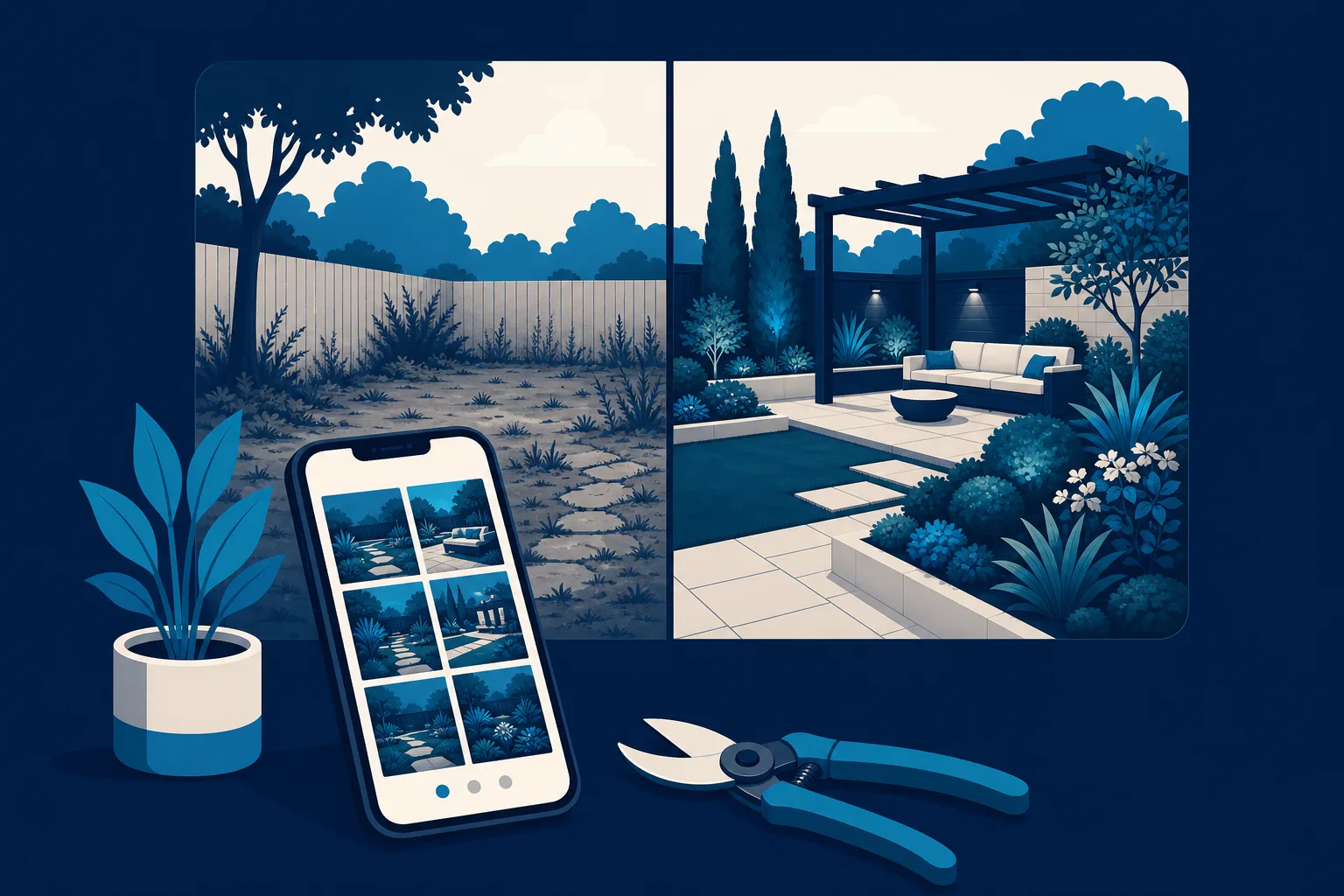
- Shoot before and after from the same spot. Stand in the same place, same angle, same time of day, before you start and after you finish. That pairing is the single most persuasive thing you can show. Scorpion makes the same point: consistent angle and lighting is what makes the transformation land.
- Use real jobs, not stock. A homeowner can smell a stock photo of a suburban lawn that is not yours. Your actual work, even shot on a phone, builds far more trust.
- Shoot in good light. Early morning or late afternoon light is flattering and free. Harsh noon sun flattens everything and blows out the sky.
- Caption with the location and the work. "Paver patio and fire pit, Westfield" does double duty - it tells the story and it feeds local search.
- Keep it tight. Twelve strong images beat forty mediocre ones. Cut anything blurry, cluttered, or half-finished.
If you photograph every finished job for a month, you will have a better gallery than most established competitors. It costs nothing but the discipline to snap a few frames before you load the trailer.
Reviews are your cheapest salesperson
After photos, reviews are the thing that convinces a hesitant homeowner. Someone comparing three landscapers will usually go with the one who feels the safest, and nothing signals safe like a wall of specific, recent five-star reviews from their own neighborhood.
Two things to get right:
- Ask every happy customer, every time. The best moment is right after they have told you the yard looks great. Send a direct link to your Google review page by text before you pull away. A simple habit here will out-earn any ad budget.
- Show them on the site. Do not make visitors leave to go find your reviews. Put three or four of your strongest ones on the homepage and the rest on a reviews page, ideally pulling live from Google so they stay fresh.
A homeowner trusts what other homeowners say about you far more than anything you say about yourself. Reviews are the closest thing to a referral that a stranger can see.
Local SEO: how nearby homeowners actually find you
You are not competing with landscapers three states away. You are competing for people within about a thirty-minute drive who are searching right now. That is local SEO, and it is very winnable for a small crew because the bar is low - most of your competitors are not doing it well.
The essentials, in order of impact:
- Claim and fill out your Google Business Profile. This is free and it is the biggest lever you have. Complete every field, pick the right categories, add photos, and keep your hours current. For many landscapers, the Business Profile brings in more calls than the website itself.
- Keep your name, address, and phone number identical everywhere. Your site, your Google profile, Yelp, Facebook, local directories - all exact matches. Mismatches quietly confuse search engines and cost you rankings.
- Write service-plus-city pages. A page titled "Patio and hardscape installation in [your town]" will out-rank a generic "Services" page for the searches that actually turn into jobs. If you serve several towns, a page for each of your top markets is worth the effort.
- Put your service area in plain text on the site. List the towns and neighborhoods you cover. It helps visitors and it helps search.
- Get the basics fast. Your site should load in under three seconds and work perfectly on a phone, since most local searches happen on mobile. A slow or clumsy mobile site loses jobs before anyone reads a word.
None of this requires an SEO agency. It requires an afternoon of setup and the habit of keeping your Google profile active.
Make it effortless to contact you
You would be surprised how many landscaping sites hide the phone number or bury contact behind three clicks. Every extra step loses people. Assume your visitor is standing in their driveway on a phone, mildly annoyed, ready to call the first business that makes it easy.
- Put a tap-to-call phone number in the header on every page.
- Add a short quote form - name, phone, address, and "what do you need" is plenty. Long forms kill conversions.
- Use one clear call to action everywhere: "Get a free estimate." Do not make people guess the next step.
- Set expectations. "We reply within one business day" beats silence, and then actually reply. The fastest responder usually wins the job.
What it costs and how long it takes
Be realistic about the tradeoff you are making. There are three honest paths:
- Do it yourself on a builder. Tools like Wix or Squarespace cost roughly the price of a couple of coffees a month plus your time. Building a good landscaping site yourself is a weekend or two of work, and then ongoing upkeep. It is the cheapest in dollars and the most expensive in hours.
- Hire a designer or agency. You get a professional result and hand off the headache, but a custom landscaping site typically runs from a few hundred to several thousand dollars, plus ongoing fees, and you are dependent on them for every change.
- Use a done-for-you platform. A middle path where the site is built for you but you are not paying agency rates or learning design software.
The right answer depends on whether your scarcest resource is money or time. For most working landscapers mid-season, it is time.
If building it yourself is the part you dread
Here is the honest truth: the advice above works, but it assumes you have the evenings to execute it. Plenty of good landscapers never get a real site up because the building part sits on the to-do list behind actual paying work.
That gap is what Saynovo is built to close. You connect your Google Business Profile, and it pulls the raw material you already have - your job photos, your reviews, your hours and location - and arranges them into a portfolio-style landscaping site without you opening a design tool. The service list and the towns you cover were never on Google, so you say those and they land on the page. When something is off, you tell it in plain words what to change and it updates, then it goes live on your own domain. The first build from your Google profile is free to generate, so you can see your own work laid out as a real site before deciding anything. It is one option among several, but it removes the exact step - the building - that stalls most crews.
Which path is right for you
- Build it yourself if you enjoy this kind of thing, have the evenings free in the off-season, and want the lowest monthly cost.
- Hire a pro if you have the budget, want a fully custom look, and would rather never touch the site yourself.
- Use a done-for-you tool if you have strong photos and reviews but no time, and you want a real site up quickly without learning software or paying agency prices.
Whatever path you pick, the fundamentals do not change. A website for a landscaping business earns its keep when it shows real before-and-after work, stacks up genuine local reviews, ranks for the towns you serve, and makes calling you effortless. Get those four right and the design details barely matter. Get them wrong and no template will save you. Start with your photos and your Google profile this week - those two alone will do more than a month of tinkering with fonts.