The short answer
Build a boutique website around five pages: a photo-led homepage, a shoppable lookbook, an about page with your real story, a visit page with hours and directions, and a simple contact or reservation option.
The order matters. Claim and fill out your Google Business Profile first, because that free listing is what most local shoppers see before they ever reach your site. Then focus on photography, since a boutique lives or dies on how the pieces look: clean, well lit images of each item, ideally on a person, beat a stock-looking product shot every time.
You do not need full e-commerce on day one. Local pickup and reserve-in-store requests let people commit to a piece without you shipping anything, and they pull foot traffic through your door.
This changes when online orders become steady rather than occasional. At that point you need real inventory syncing between your till and your site, or you will sell the same size 10 twice in one afternoon and spend the evening apologising.
You run a boutique. You have a real shop with a door and a fitting room and a candle burning by the register. You also sell a little online, or you want to, and you are tired of Instagram being your whole storefront. The problem with Instagram is that a post disappears in a day, you cannot search it, and a customer who saw a dress on Tuesday cannot find it again on Thursday.
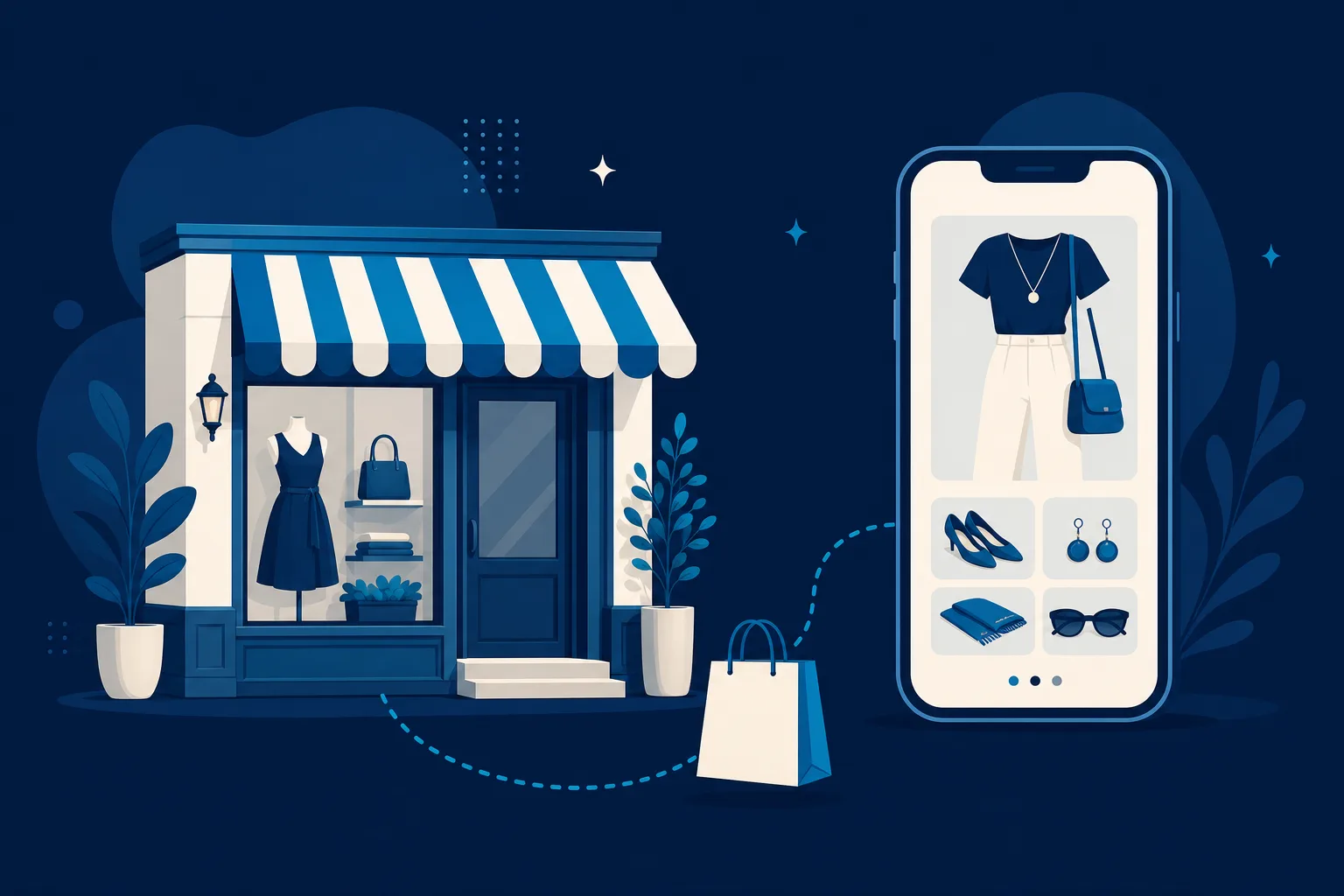
This guide is about how to build a website for a boutique that sells online and in store, without turning yourself into a full-time e-commerce warehouse. Your shop is not Amazon. It is a curated place with a point of view. Your website should feel like that, and it should quietly do three jobs while you are busy steaming clothes and helping someone find the right size.
The three jobs are simple. Show the pieces beautifully. Let people buy or reserve them. Get people through your front door. Everything below serves one of those.
Why an Instagram grid is not a website
Social media is where people discover you. It is a terrible place to close the sale. Here is what happens without a real site.
- A customer sees a jacket in your Story, loves it, and by the time she is off work the Story is gone and she cannot remember your handle.
- A woman two towns over would drive to you, but she has no idea what you carry, so she never gets in the car.
- Someone wants to know if you have a top in medium. She has to DM you and wait, and you have to answer forty of those a day between customers.
- Google shows your competitor first because they have a website and you have a link in bio.
A website fixes all four. It is the one place you own, that does not change its rules on you, that shows up in search, and that answers questions while you sleep. The boutiques that grow are the ones that treat the website as the home base and social media as the road that leads to it.
Start with the free front door: your Google listing
Before you build anything, look yourself up on Google. Type your shop name. If a little box appears on the right with your hours, photos, and a map, that is your Google Business Profile, and it is doing more selling than you think. Most people who search "boutique near me" or "womens clothing downtown" never scroll past that box.
Make sure it is claimed and correct. Right hours. Right address. Good photos of the storefront and a few racks. This is the cheapest marketing you will ever do, and it is the seed a good website grows from. In fact, your first Saynovo site can be generated free straight from that Google listing, so the hours, address, and photos you already keep current become the starting point instead of a blank page you have to fill in.
The pages a boutique actually needs
You do not need twenty pages. You need a handful that each pull their weight.
The lookbook
This is the page that makes your boutique feel like a boutique instead of a bin of clothes. A lookbook is a set of styled photos, grouped by feel or by season, that show pieces worn together. Not product shots on a white background. Real outfits on a real person, in good light, so a shopper can picture herself in the whole look.
The lookbook does something a product grid cannot. It sells the taste, not just the item. A customer may come for the sweater in the photo and leave with the sweater, the earrings, and the bag, because you showed her how they go together. Refresh it when new inventory lands. A current lookbook is the single best reason for someone to check your site again next week.
The online shop
You do not have to list every single item you own. That is the mistake that makes boutique owners quit online selling. Start with a tight shop of your best and most photogenic pieces, the ones that sell themselves, plus anything you have real depth in. Each product needs three things and only three to start.
- Clear photos, front and back, on a hanger or a person.
- A short honest description, including the fabric and how it fits, because "runs small, size up" saves you a dozen returns.
- The size and color options you actually have in stock.
Keep it small enough that you can keep it accurate. An online shop with ten items that are truly available beats a shop with two hundred items where half are already sold on the floor.
Local pickup and reserve
This is the feature that turns a website into a bridge to your front door, and most big-box guides skip it. Let a customer buy online and pick up in store, or reserve a piece to try on before she commits. It is perfect for a boutique because it plays to your strength, which is the real room with the mirror and the fitting help.
Local pickup does three good things. It saves the customer shipping. It gets her physically into your shop, where she almost always buys something extra. And it lets you sell the same one-of-a-kind piece to whoever acts first, without shipping headaches. A "reserve to try on" button is low pressure and very boutique. It says, we held this for you, come see it.
The brand story
Chain stores cannot copy this, which is exactly why you need it. Your about page is where you say who you are, why you opened, and how you choose what goes on the racks. Maybe you buy from small women-owned labels. Maybe you hunt for pieces you cannot find anywhere else in town. Maybe it started because you could never find your own size in something you liked.
Write it like you talk. A shopper who reads a real story and likes you will pay a little more and come back a lot more often than one who is only price shopping. The brand story is what makes a fifty dollar top feel like it came from your shop and not a warehouse.
The visit page
Hours, address, a map, parking notes, and a real phone number. Put this in the menu and in the footer. If you host trunk shows, sip-and-shop nights, or pop-ups, list them here. Events are a reason to visit that you can promote all week, and they turn a boutique into a place people go, not just a place people buy.
Photos are the whole game
For a boutique, the photography is not a detail. It is the product. A shopper cannot touch the fabric, so the photo has to do the touching for her. You do not need a studio. You need a bright window, a plain wall, a phone held steady, and the same lighting every time so your shop looks like one shop and not a patchwork.
Shoot in a consistent style. Same corner, same distance, same natural light near midday. Get the front, the back, a close-up of the fabric or a fun detail, and one shot on a person for scale. Consistency is what makes a small boutique site look expensive. Chaos in the photos is what makes it look like a yard sale.
Handle inventory so you never oversell
The nightmare of selling online and in store is one piece, two buyers. You sell the last cream blazer online at 9pm, then someone buys it off the rack at 10am, and now you are refunding a stranger and apologizing. For a boutique carrying a lot of one-of-a-kind items, this stings.
Two ways to avoid it. The simple way is to keep your online shop to the pieces you have several of, and use "reserve to try on" for one-of-a-kind items so nothing ships blind. The fuller way is a system where the register and the website share one inventory count, so selling on the floor drops the online number automatically. Start simple. You can grow into the connected setup once online is pulling real weight.
How to actually get it built
You have a few honest paths, and the right one depends on how much time you have.
-
Do it yourself on Wix, Squarespace, or Shopify. These are real tools and you can build a decent boutique site over a few weekends. Shopify in particular is built for selling and handles the shop and pickup well. The catch is that it is genuinely a few weekends, plus the ongoing work of listing products and swapping the lookbook. If you like the design side and have the evenings, this is a fine road.
-
Hire an agency. You will get something custom and you will pay custom prices, and every future change, every new arrival, every event flyer goes back through them and their queue. Great if you have the budget and want to be hands-off forever.
-
Done for you, then edit by talking. This is the middle path, and it is where Saynovo fits. It builds the boutique site for you around your Google listing, with lookbook, shop, pickup, and brand story sections ready for your words, and then when a new collection lands you just say "swap the lookbook to the fall pieces and put the plaid coat on the homepage" and it changes. No dashboards to learn between customers. If your bottleneck is time and not taste, that is the point of it. The parent company, SyntroAI, can also step in as a full agency if you outgrow the self-serve setup.
Be honest with yourself about time. The website is not the hard part anymore. Keeping it current is. Whatever path you pick, choose the one you will actually update when a new box of inventory shows up on a Tuesday.
Your next step
You do not have to build the whole thing this week. Do one thing today: look up your boutique on Google and make sure the hours, address, and photos are right. That listing is your free front door, and it is what a good website is built on top of.
Then pick one path from the list above and give yourself a weekend. Put up a small shop of your ten best pieces, one honest lookbook, a reserve-to-try-on button, and the real story of why you opened. That is a complete boutique website. Everything else is just adding pieces to a home you already own, instead of renting space on someone else's grid.