If you run a plumbing company, a dental office, or a massage studio, you did not get into business to think about encryption. So when your web person, your hosting bill, or a scary browser warning brings up the question "do i need an ssl certificate," you want a straight answer, not a lecture.
Here is the straight answer: yes, you need one. Every business website needs an SSL certificate today, even a simple five-page site that never takes a payment. Below is why that is true, how to check whether you already have one (many people do without knowing it), and how to get one without paying a specialist.
What an SSL certificate actually does
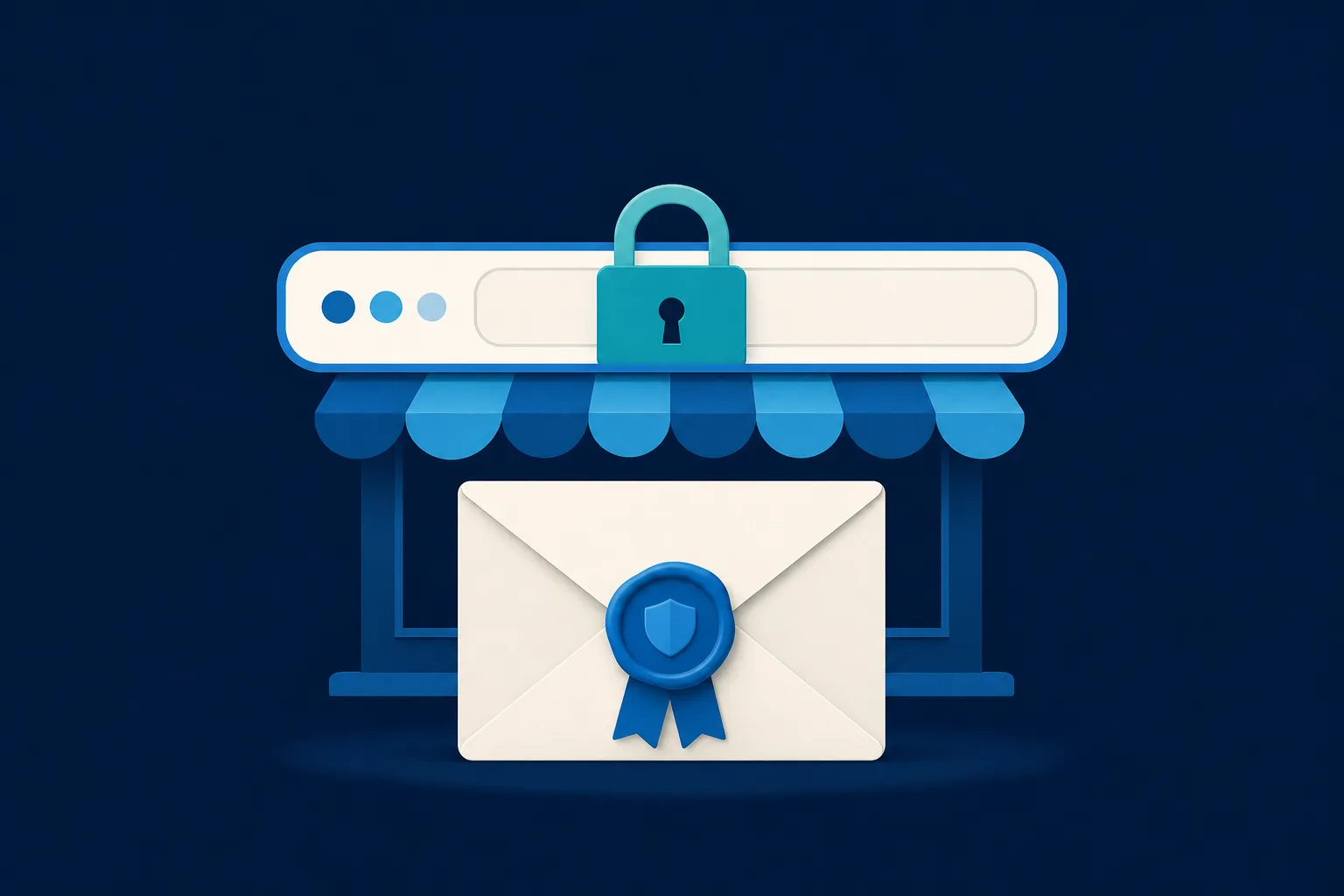
Think of your website as mail. Without an SSL certificate, everything a visitor sends to your site travels as a postcard that anyone along the route can read. With an SSL certificate, that same information travels in a sealed envelope that only your website can open.
The certificate is a small file that lives on the server hosting your website. It does two jobs:
- It scrambles (encrypts) the data moving between a visitor's browser and your site, so passwords, phone numbers, and form entries cannot be read in transit.
- It proves your site is really your site, not a copycat set up to trick your customers.
You will also see the term TLS. TLS is simply the newer, more secure version of the same technology. The industry still says "SSL" out of habit, so when a host or a plugin says SSL, they almost always mean modern TLS. Do not let the two names confuse you. They point at the same padlock.
How to tell if you already have one
Before you buy anything, check what you have. This takes about ten seconds.
- Open your website in a browser.
- Look at the address bar. If the address starts with "https" (with the s) and there is no warning, you have a working certificate.
- Click the small padlock or the tune icon next to the address. The browser will say the connection is secure and let you view the certificate details.
If instead you see "Not Secure," a red warning, or a full-page message that says "Your connection is not private," then you either have no certificate or one that has expired. That is a problem worth fixing this week, and the rest of this guide covers it.
One caution: a padlock means the connection is encrypted. It does not mean the business behind the site is honest. Scammers can get certificates too. So the padlock is necessary, but it is not proof of trust on its own. For your own site, though, the padlock being present is exactly what you want.
Why you need one even if you do not sell online
The most common myth is that SSL is only for stores that take credit cards. That has not been true for years. Here are the reasons that apply to a normal local business site.
Browsers now shame sites without it
Chrome, Safari, Firefox, and Edge all label pages without a certificate as "Not Secure." Some show a warning before the visitor can even see your page. A homeowner searching for emergency roof repair will not push past a red warning screen. They will hit back and call your competitor. According to Cloudflare's guide to SSL certificates, serving your site over HTTPS is what makes the padlock appear and keeps those warnings away.
It protects any information a visitor types
You may not sell online, but your site probably has a contact form, a quote request, or an appointment booking. The moment a visitor types their name, address, or phone number, that data needs protection. As Mailchimp points out, if you collect any personal information at all, even just an email address, you need a certificate.
Google uses it as a ranking signal
Google confirmed years ago that HTTPS is a factor in search rankings. It is not the biggest factor, but when two roofers in the same town are otherwise even, the secure one has an edge. A site flagged as "Not Secure" is fighting search results with one hand tied.
It keeps you on the right side of privacy rules
Privacy laws such as GDPR in Europe and CCPA in California expect businesses to take reasonable steps to protect the data they collect. Encryption in transit is one of the most basic of those steps. Having a certificate is part of showing you took data handling seriously.
A site without a certificate is not just less secure. It looks broken to the exact customer you paid to bring to the page.
The types of certificates, in plain terms
You will run into three names when you shop. For almost every local business, only the first one matters.
- Domain Validation (DV). The certificate authority confirms you control the domain, then issues the certificate, often within minutes. This is what powers the vast majority of small business sites, and it is what free options provide. The padlock looks identical to the expensive kinds.
- Organization Validation (OV). The authority also checks that your business is a real registered entity. This takes a few days and costs money. Useful for some larger organizations, rarely necessary for a local shop.
- Extended Validation (EV). The heaviest vetting, aimed at banks and large enterprises. Modern browsers no longer show the old green company name in the bar, so the visible payoff for a small business is close to zero.
The short version: a free Domain Validation certificate gives your customers the same secure padlock as a certificate that costs hundreds of dollars a year. The green address bar you may remember is gone. Do not let anyone upsell you into an enterprise certificate you do not need.
How to get a certificate, from easiest to hardest
Option 1: You may already have it included
Most modern website builders and many hosting plans include a certificate at no extra charge and turn it on for you. If your site already shows https and a padlock, you are done. Do not buy a second one. Check first, then act.
Option 2: Free through Let's Encrypt
Let's Encrypt is a nonprofit certificate authority that issues certificates for free, forever. It powers a huge share of the secure web. Most good hosts have a one-click button to enable a Let's Encrypt certificate, and some do it automatically. The trade-off is that these certificates last 90 days, so they need to renew often. The good news is that renewal is meant to be automatic. Your host or server software handles it in the background using a tool such as Certbot, and you never see it happen.
Option 3: Buy one from your host or a certificate seller
If your host does not offer a free option, you can buy a certificate, often bundled with your hosting for a modest yearly fee. This route sometimes involves generating a signing request, verifying ownership, uploading files, and switching your site to redirect from http to https. It is not hard for a technical person, but it is the step where non-technical owners usually call for help.
Whatever route you take, finish the job by making sure your site redirects the old http address to the secure https version. Otherwise some visitors land on the unprotected copy and see the warning anyway.
Common warning signs and what they mean
A few messages send owners into a panic. Here is what they usually point to.
- "Not Secure" in the address bar. No certificate installed, or the site is not forcing https. Fix by installing or enabling one and turning on the redirect.
- "Your connection is not private" full-page block. Often an expired certificate. Because free certificates renew every 90 days, this usually means an auto-renewal quietly failed. Renew it and check that automatic renewal is switched on.
- A padlock with a small warning triangle. Usually "mixed content," meaning the page is secure but is loading an image, font, or script over the old http. Updating those links to https clears it.
- The certificate is for the wrong domain name. The certificate was issued for a different address than the one visitors typed, for example the www version versus the plain version. It needs to cover both.
None of these are emergencies you cannot solve, but a site left with a red warning for weeks quietly bleeds customers the whole time.
So do I need an SSL certificate, or is this overblown?
For most local business owners, the honest answer to "do i need an ssl certificate" ends with a second question: is one already turned on? If yes, you are finished and you can stop reading about encryption forever. If no, a free certificate through your host or Let's Encrypt closes the gap, usually the same day, usually at no cost.
The only real trap is paying for an expensive enterprise certificate you do not need, or letting a free one lapse because nobody set renewal to automatic. Avoid those two mistakes and you have handled this for good.
Where this fits if you are rebuilding your site anyway
If your current site is old, slow, or throwing security warnings, sometimes the cleanest fix is not to patch the certificate but to move to a platform where security is handled for you. That is one of the things we built Saynovo around. Every site it produces goes live over https with the certificate already in place and renewing on its own, so a busy owner is never the person responsible for remembering a 90-day clock. You describe changes in plain language and the site updates, and the padlock is simply always there. It will not run an online store for you, but for a service business that wants a clean, secure site without touching server settings, the security question is answered before you ever ask it.
The bottom line
So, do i need an ssl certificate? Yes, you do. It protects the information your customers hand you, it keeps browsers from scaring them off, and it gives you a small nudge in search results. The technology sounds intimidating, but the practical steps are short: check whether you already have one, turn on a free certificate if you do not, force your site to use https, and make sure renewal is automatic. Do that once and the padlock takes care of itself.
Sources worth reading further:
- Cloudflare: What is an SSL certificate?
- Mailchimp: Do I need an SSL certificate?
- Namecheap: Do I need an SSL certificate?
- Let's Encrypt: How it works